
Solaris on your iPhone, through Bluefy.
Safari cannot talk to Bluetooth toys on an iPhone, and neither can any other browser Apple ships. Bluefy can. It is a free browser from the App Store made for exactly this, and Solaris runs in it with your toys connected.
Then open getsolaris.app/solaris in it. That is all.
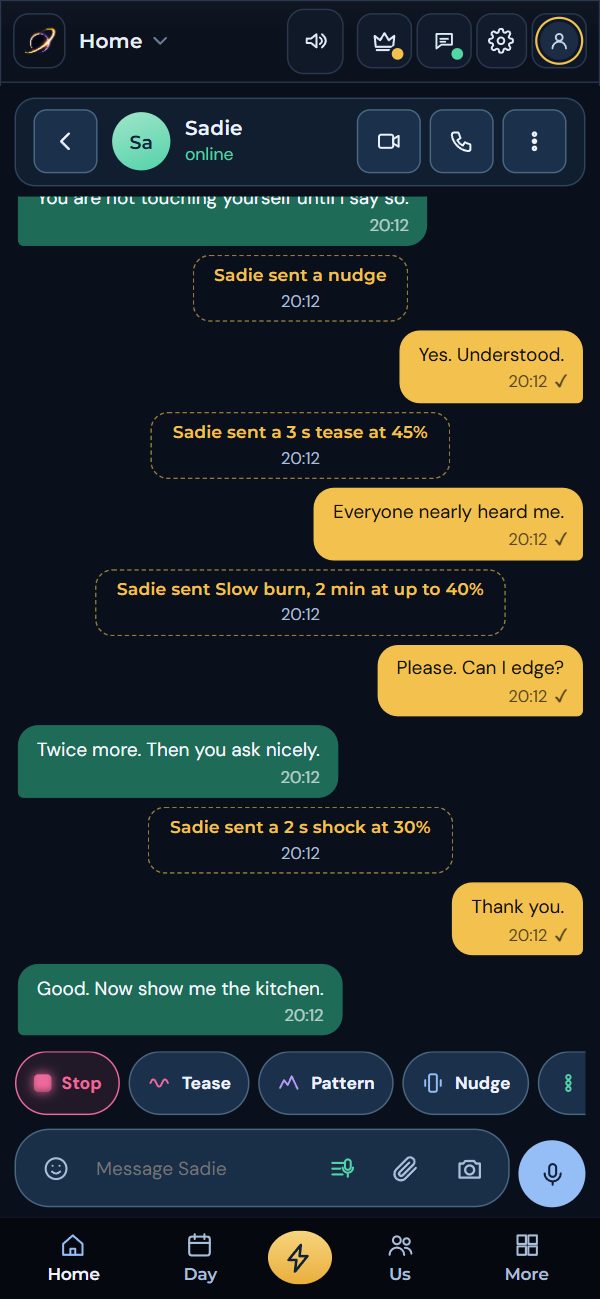
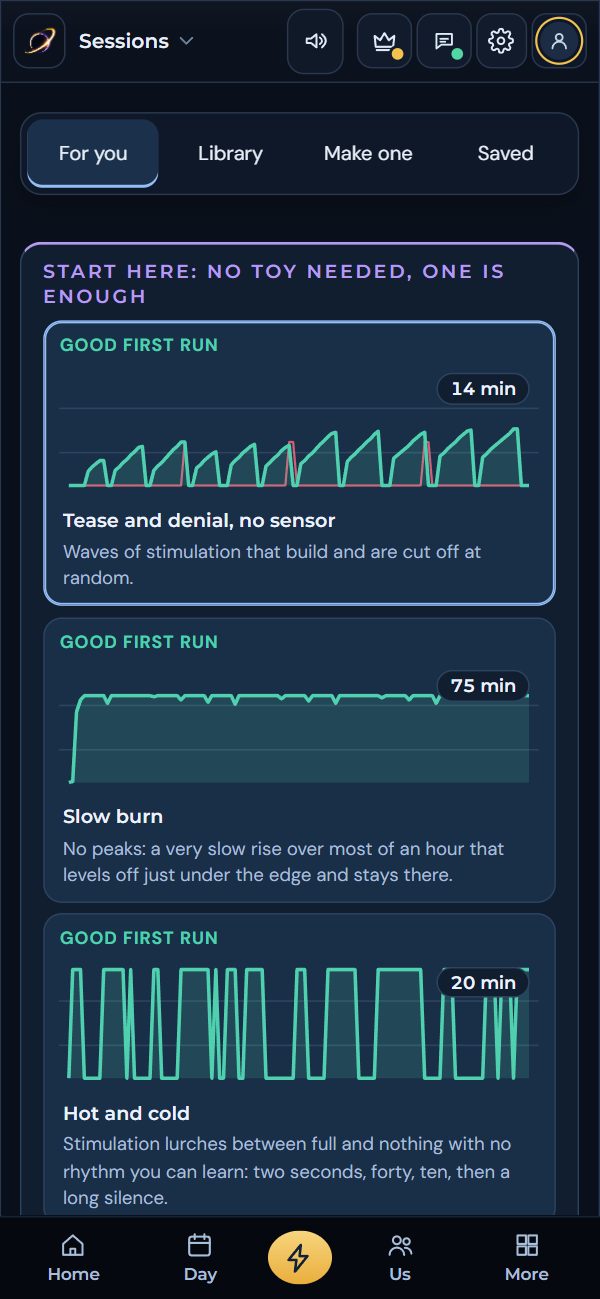
If your partner is not wearing anything, they can chat, follow along and use the partner controls from Safari or any browser. Bluefy is for the phone that connects to the toys.
Ready in four steps.
Open Solaris in it
Open Bluefy, type getsolaris.app/solaris in the address bar, and make your free account or sign in.
Add it to your Home Screen
From Bluefy’s menu, choose Add to Home Screen. Solaris then opens full screen from its own icon, in Bluefy, with one tap.
Connect your toy
On Home, tap Add your first toy and pick yours. When Bluefy asks to use Bluetooth, tap Allow. Set the most it may ever do, and you are ready.
Not sure your toy will work? Can Solaris control my toy? in the app explains each kind.
What an iPhone does differently.
Apple keeps web apps on a shorter lead than Android does. None of it touches your safety: All Stop is on the Live page, always, and every toy keeps the limit you set.
iOS pauses a web page it is not showing. While a toy is running, keep Bluefy open and the screen on: set Auto-Lock to a longer time, and plug in for long sessions.
The Android app keeps sessions going with the screen off and brings reminders when it is closed. An iPhone gives web apps less time in the background, so keep Solaris open when timing matters.
iPhones do not let web pages vibrate the phone, so games and teases use your toys and sound instead.
Radio and infrared remotes need a smart hub, and both they and smart plugs run through Solaris Link on a Windows computer, so they work from that computer, not from the phone on its own.
Everything else is the same Solaris: your account, partner, sessions and records follow you to any phone or computer you sign in on. On Android? Get the app.

Bluefy, then Solaris. That is all.
Four steps and your toys are connected.