The whole of Solaris. Toys included.
The Android app talks to your Bluetooth toys itself, keeps a session running with the screen off, and brings reminders and partner messages even when it is closed. Solaris is for adults, so it is not on Google Play: you download it straight from us.
Reaches your remote hub and smart plugs straight from the phone, with no computer.
Download the app (APK)Android 7 or newer. Free to download; the free tier needs no payment at all.
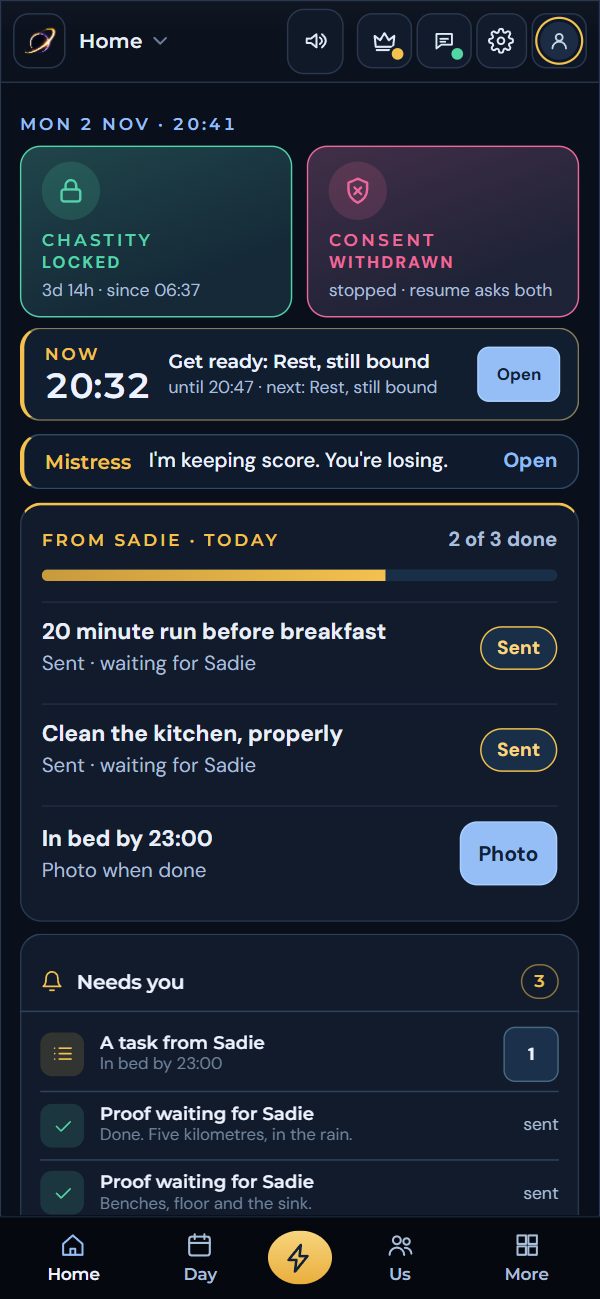
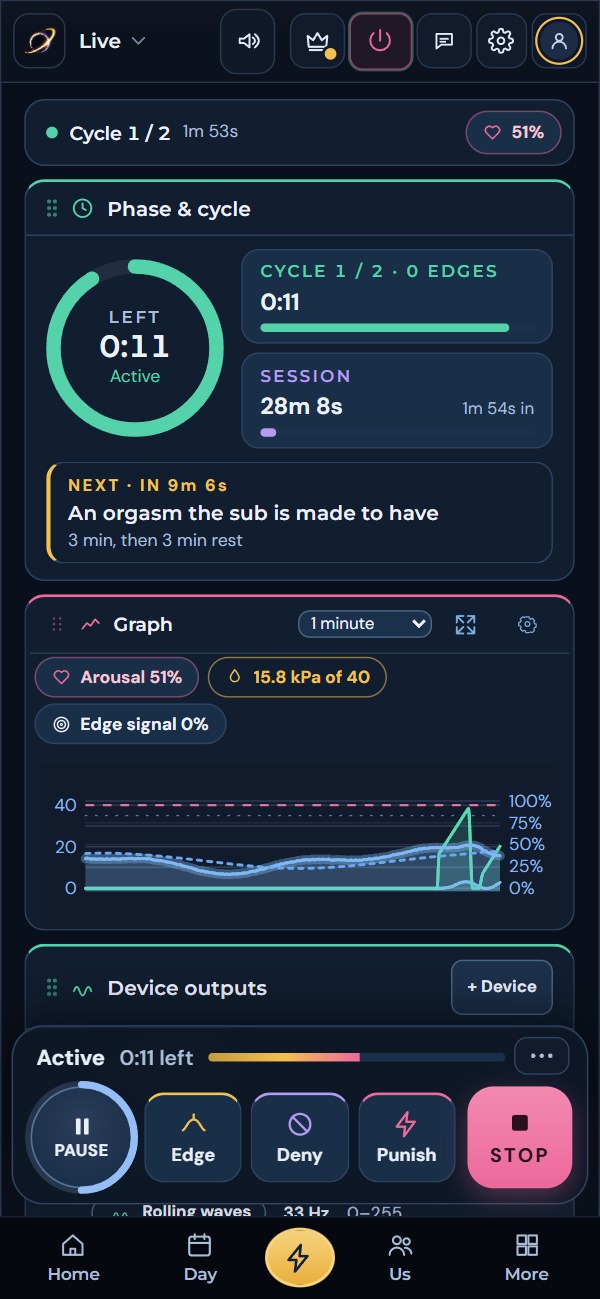
Five steps, about two minutes.
Do this on the phone itself. Android asks a couple of extra questions because the app comes from our site instead of Google Play.
Download it
Open this page on your Android phone and tap Download the app. If Chrome asks whether to keep the file, tap Download.
Download the app (APK)Open the file
Tap the finished download in the notification, or find Solaris.apk in the Files app under Downloads.
Allow this one source
The first time, Android says it cannot install apps from this source. Tap Settings, switch on Allow from this source for your browser, then go back.
This only allows the browser you used. You can switch it off again once Solaris is installed.
Install
Tap Install. If Play Protect says it does not recognise the app, tap More details, then Install anyway. When it finishes, tap Open.
Sign in and allow what you need
Make your free account or sign in. Allow Nearby devices so Solaris can find your toys, and Notifications for reminders and partner messages. Motion and the microphone are only asked for if you use the Edge signal.
It tells you when there is a new one.
You never have to come back here to check. Most improvements reach you without installing anything, because the app’s pages come straight from getsolaris.app. When the Android part itself changes, Solaris asks.
Your account, partner, sessions and settings stay exactly as they are.
Reaches your remote hub and smart plugs straight from the phone, with no computer.
Quick fixes.
Open the Files app, go to Downloads and tap Solaris.apk. Some browsers keep downloads in their own menu instead.
Usually a half-finished download. Delete Solaris.apk from Downloads and download it again.
Check it is on, charged and not connected to its own app. Then open Can Solaris control my toy? in Solaris for your kind of toy.
Follow the prompt in Solaris to keep it running with the screen off. Some phones also need battery saving switched off for Solaris.
On an iPhone? Use Solaris through Bluefy. On a computer, open Solaris in Chrome or Edge.
Your phone, your toys, your rules.
Install it once. It keeps itself up to date.